Been heavily using Linear's MCP server lately with Claude Code, although their official setup instructions currently results in only being able to communicate with one workspace at a time, i.e. whichever one you pick at the end of the auth flow.
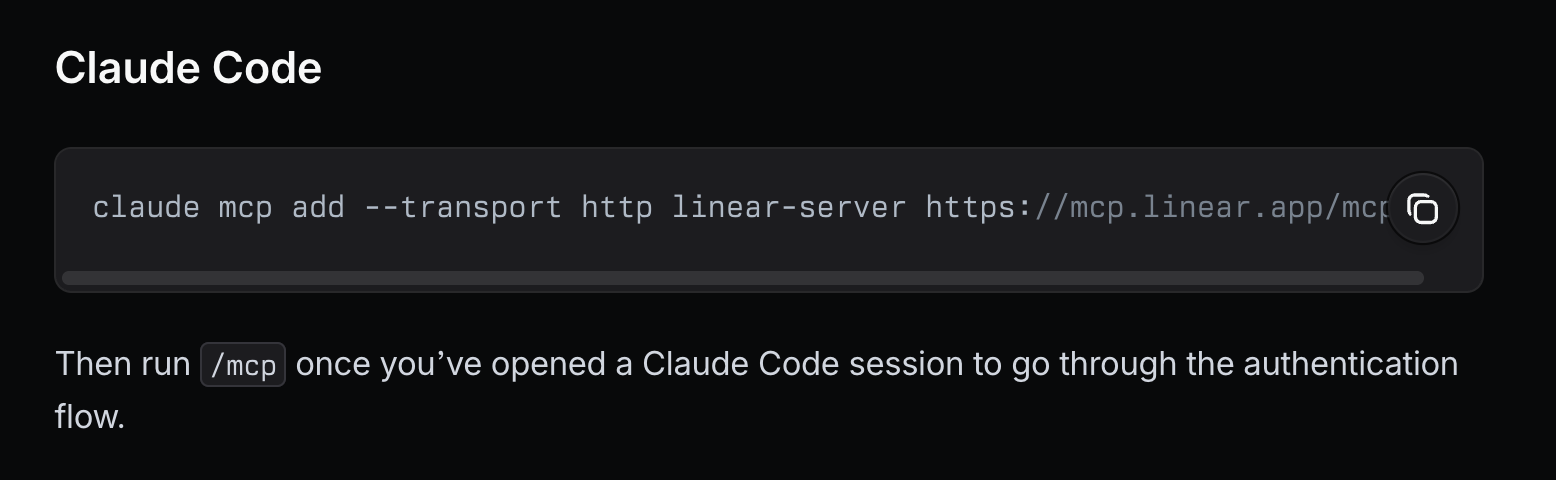
To switch workspaces you can re-auth (i.e. via /mcp in a code session) and select an alternative one at the end of the auth flow, but then you lose connection to the other workspace, and it's more friction than I'd like.
Current solution
I expect at some point Linear may add support for multiple workspaces via a single MCP connection (though conflicting issue prefixes could be an issue), but for now the solution seems to be to basically add the Linear MCP server multiple times under different names, trigger the auth flow and select the relevant workspace each time.
claude mcp add --transport http linear-workspace-1 https://mcp.linear.app/mcp
claude mcp add --transport http linear-workspace-2 https://mcp.linear.app/mcp
claude mcp add --transport http linear-workspace-3 https://mcp.linear.app/mcp
I typically append --scope user to make these MCP servers available globally across all my code sessions.
After adding, run /mcp inside Claude Code and pick the new entries to kick off the auth flow. Remember to select the relevant workspace at the end of each one.
So far Claude has had no problem figuring out which workspace I'm working in, and asks when it's unsure. As long as the server names are sensible and there's no overlap in issue prefixes between workspaces, it stays unambiguous.